Follow your system status
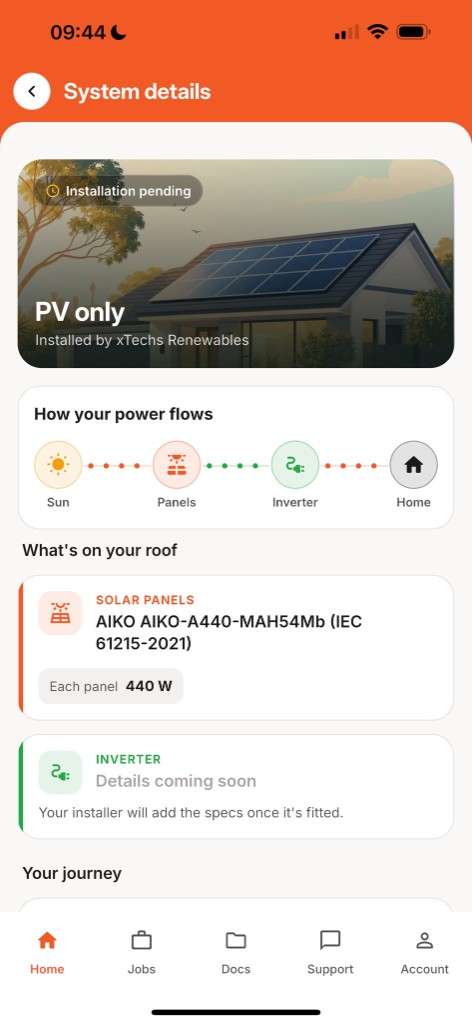
See the stages shown in your system record: quote, installation, paperwork and handover.
 BUILT AROUND THE WORK
From planning your next upgrade to keeping the paperwork together. Request work, follow your system and find support in the XVRYTHING homeowner app.
Have a question? Talk to our team ↗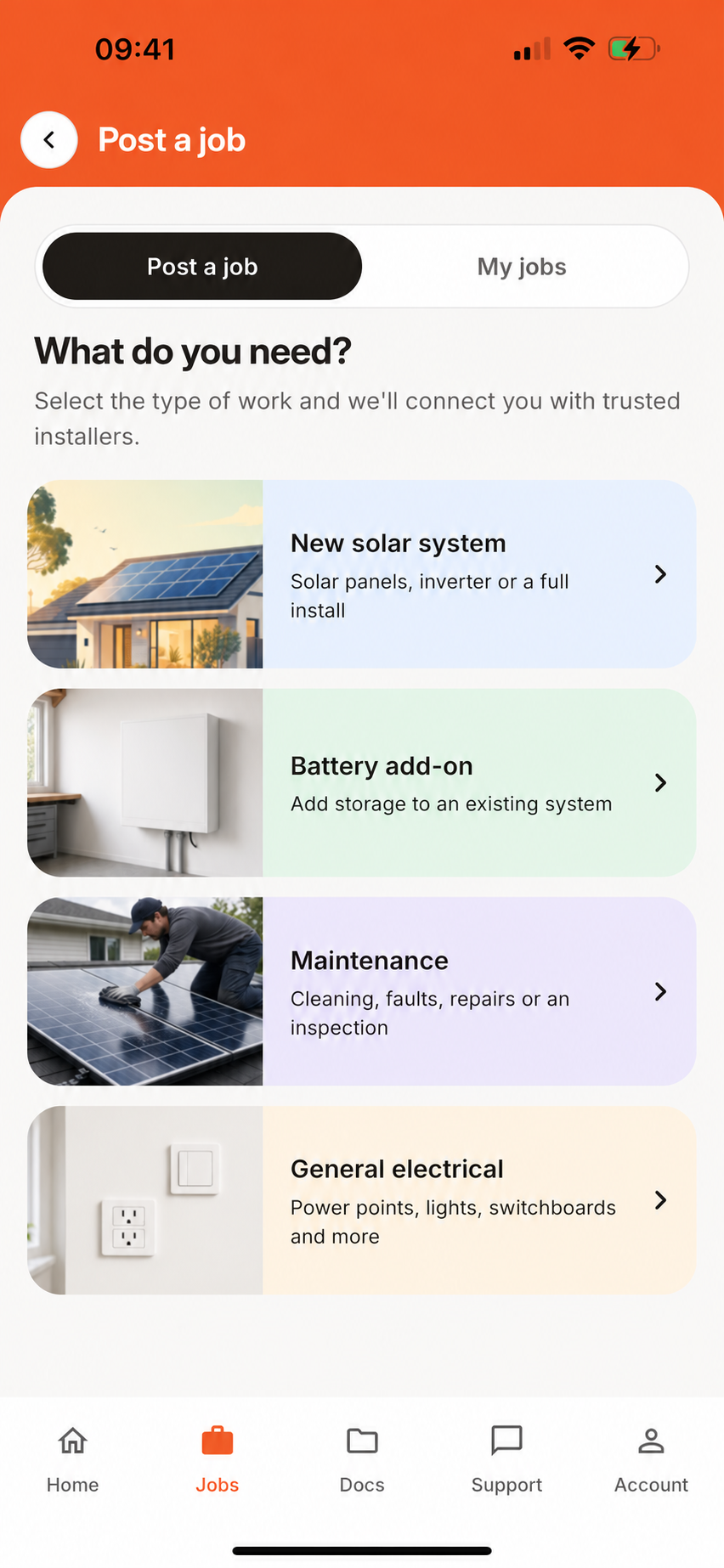
Start with what your home needs.
An introduction to the homeowner appThe website introduces the service. Your jobs and project information live in the homeowner app.
See the stages shown in your system record: quote, installation, paperwork and handover.
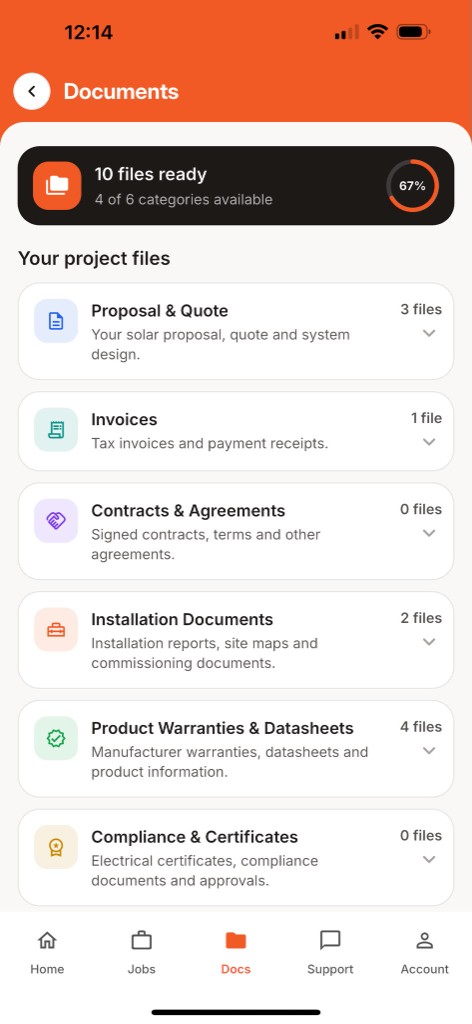
Use the Docs area to access the documents available for your project.
Open the Jobs area for work associated with your home, or start a new request in the app.
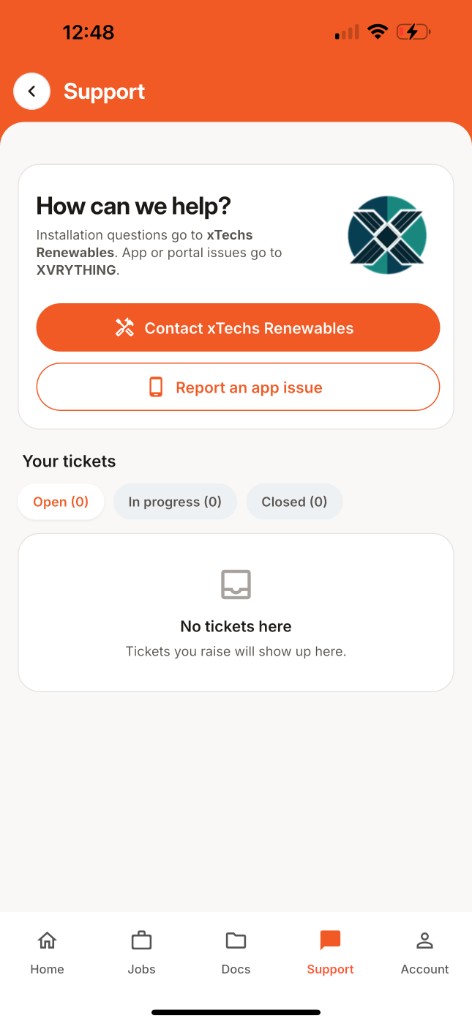
Find Support and Account from the app navigation when you need help or account information.
Scroll to move through the film.
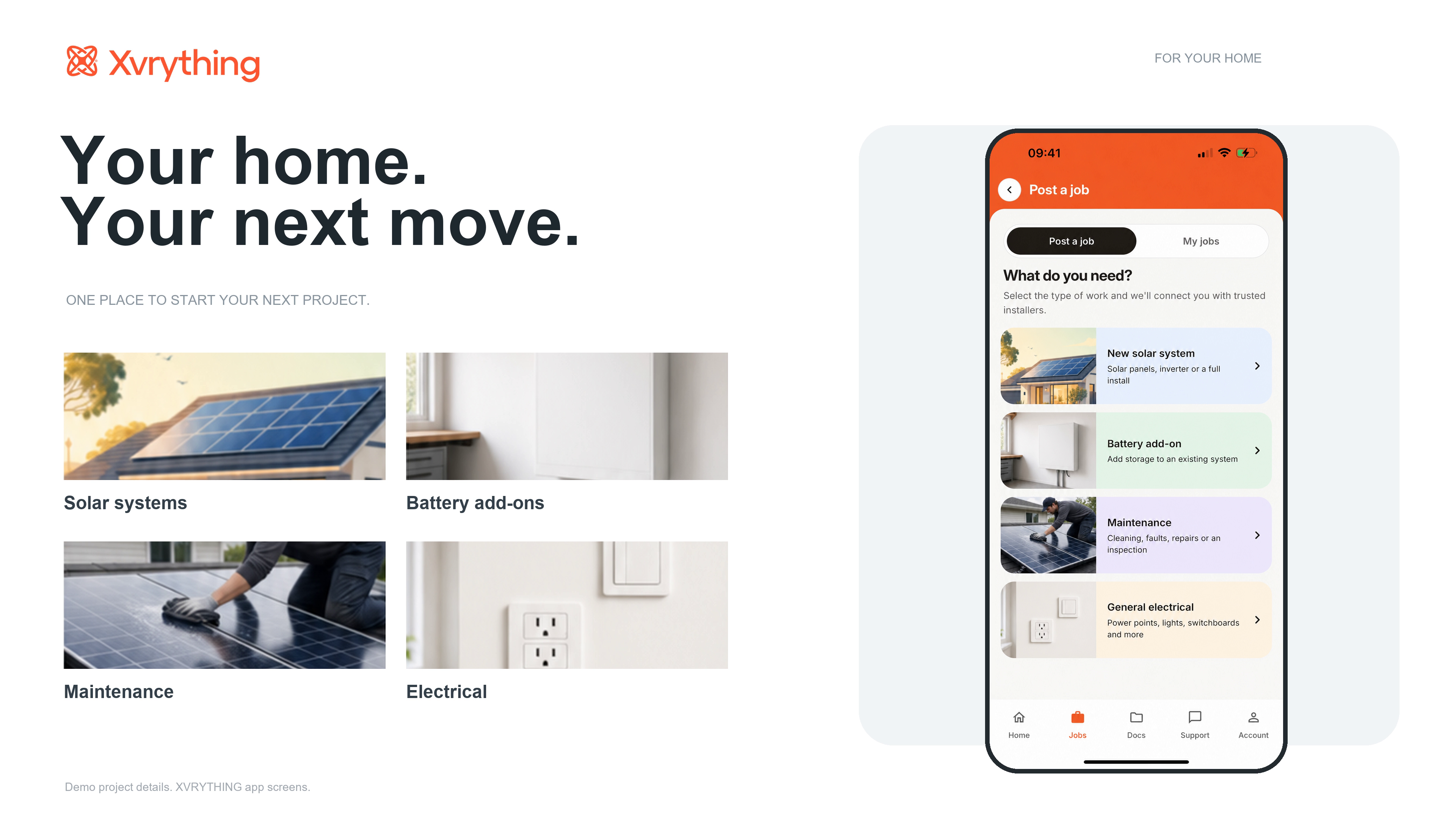
Choose the work, add details, review the request.
Choose the work, add project details and review the request in the homeowner app. Actual product screens with illustrative project details.
These are the job categories shown in the homeowner app. Share the property details and discuss the scope with the provider.
 XVRYTHING / FOR YOUR HOME
Request work, follow your project and find your documents and support in the homeowner app.
Available for iPhone and Android
Scan to get started

Scan to get the Android app